> For the complete documentation index, see [llms.txt](https://docs.mugglepay.com/llms.txt). Markdown versions of documentation pages are available by appending `.md` to page URLs; this page is available as [Markdown](https://docs.mugglepay.com/readme.md).
# Readme
English | [简体中文](/readme-1.md)
## Overview
Welcome to MugglePay! A comprehensive cryptocurrency payment solution that enables merchants to accept crypto payments with minimal integration effort.
## Quick Start
Get started with MugglePay API in minutes. Follow our [Getting Started Guide](/faq/getstarted.md) to begin building your integration.
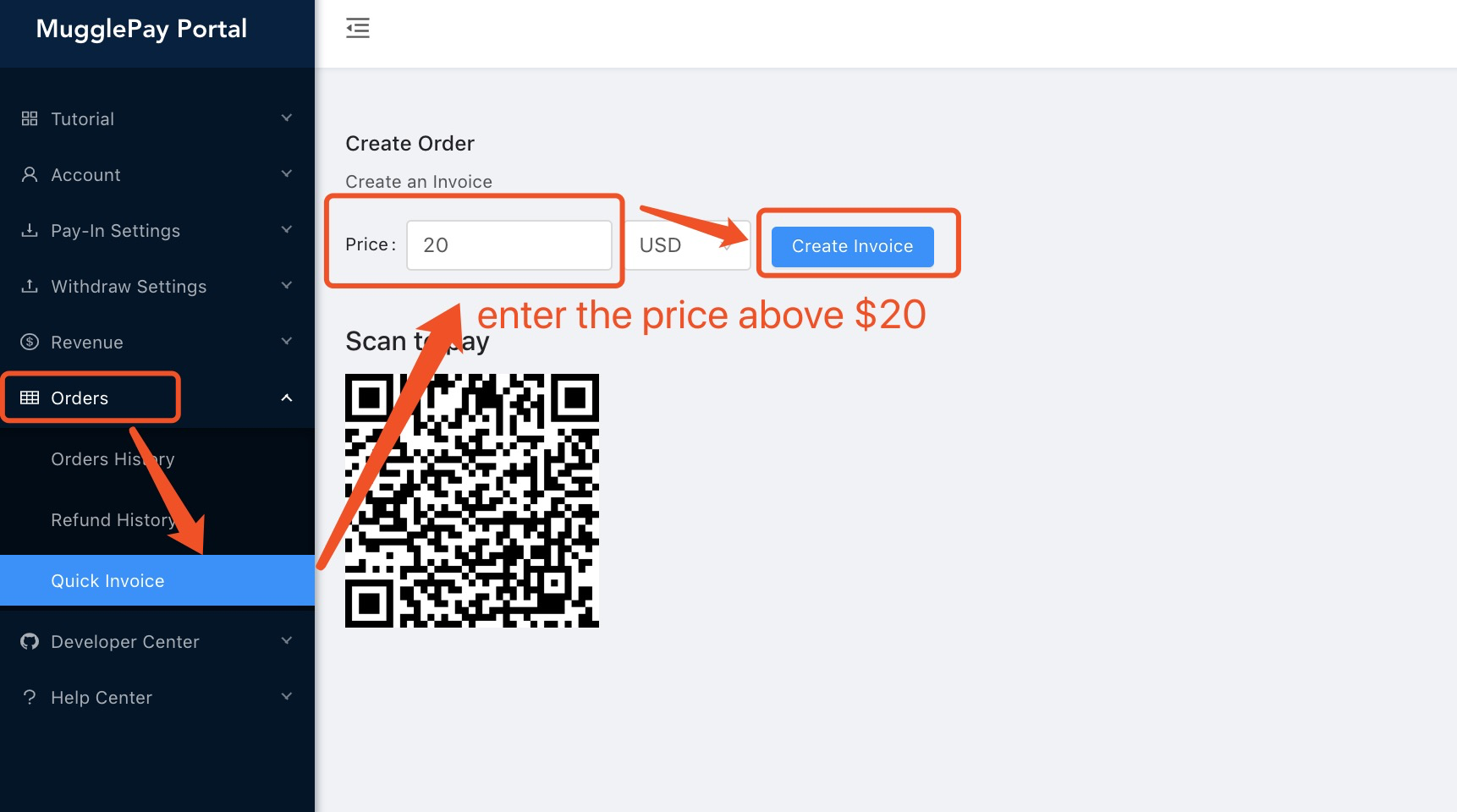
## Merchant Portal
Access your developer API key and manage crypto orders through the [Merchant Portal](https://merchants.mugglepay.com/).
## API Reference
### Core Concepts
* [Getting Started](/faq/getstarted.md) - Quick integration guide
* [API Overview](/faq/overview.md) - Understanding MugglePay architecture
* [Order Status](/basic/orderstatus.md) - Payment status definitions
* [Error Codes](/basic/errorcodes.md) - Common error handling
* [Authentication](/basic/authentication.md) - API security and tokens
### Payment Operations
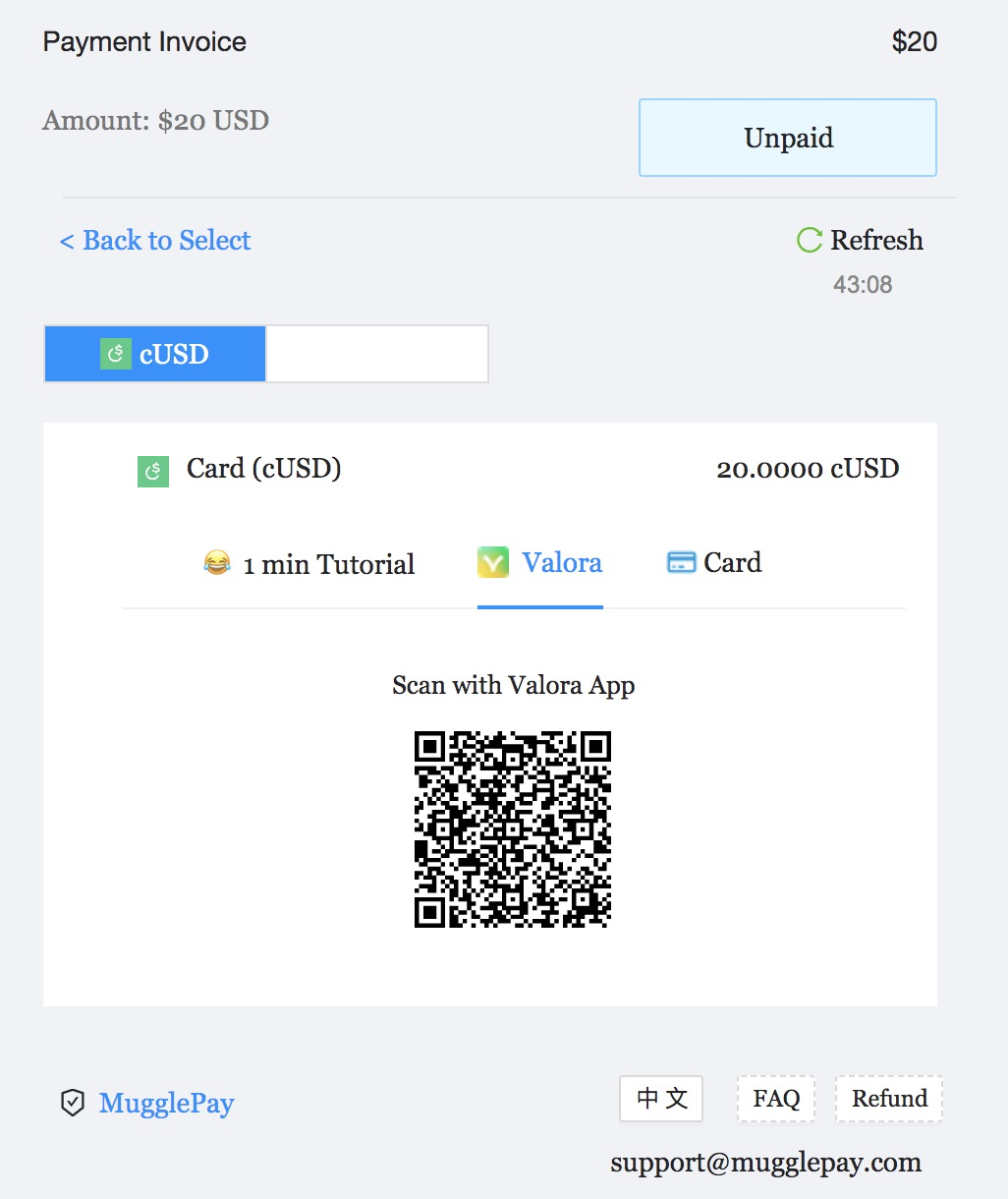
* [Create Order](/order/createorder.md) - Initialize payment requests
* [Payment Callback](/order/paymentcallback.md) - Webhook notifications
* [Get Order](/order/getorder.md) - Retrieve order details
* [Get Orders](/order/getorders.md) - List all orders
* [Checkout Order](/order/checkoutorder.md) - Select payment currency
* [Cancel Order](/order/cancelorder.md) - Cancel pending orders
* [Refund](/order/refund.md) - Process refunds
### Support & Resources
* [Customer FAQ](/faq/customerfaq.md) - Common user questions
* [Merchant FAQ](/faq/merchantfaq.md) - Integration troubleshooting
* [Self-Managed Solutions](/self-managed-non-custodian.md) - Advanced deployment options
## Next Steps
1. **Read the** [**Getting Started Guide**](/faq/getstarted.md) to understand the integration flow
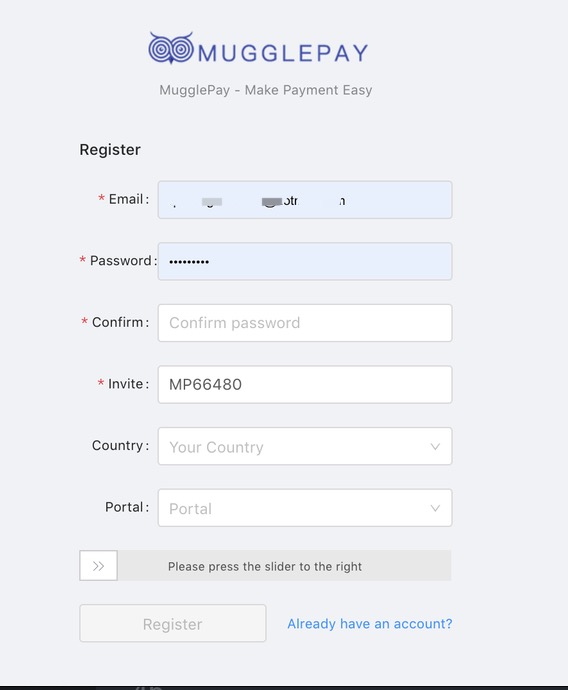
2. **Set up your** [**Merchant Account**](https://merchants.mugglepay.com/) to get your API keys
3. **Review** [**Authentication**](/basic/authentication.md) to secure your API calls
4. **Test with** [**Create Order**](/order/createorder.md) to build your first payment flow
## License
[BSD](https://www.wikiwand.com/en/BSD_licenses) Copyright (c) 2018-present, Muggles. All rights reserved.